Quick Take
Introduction
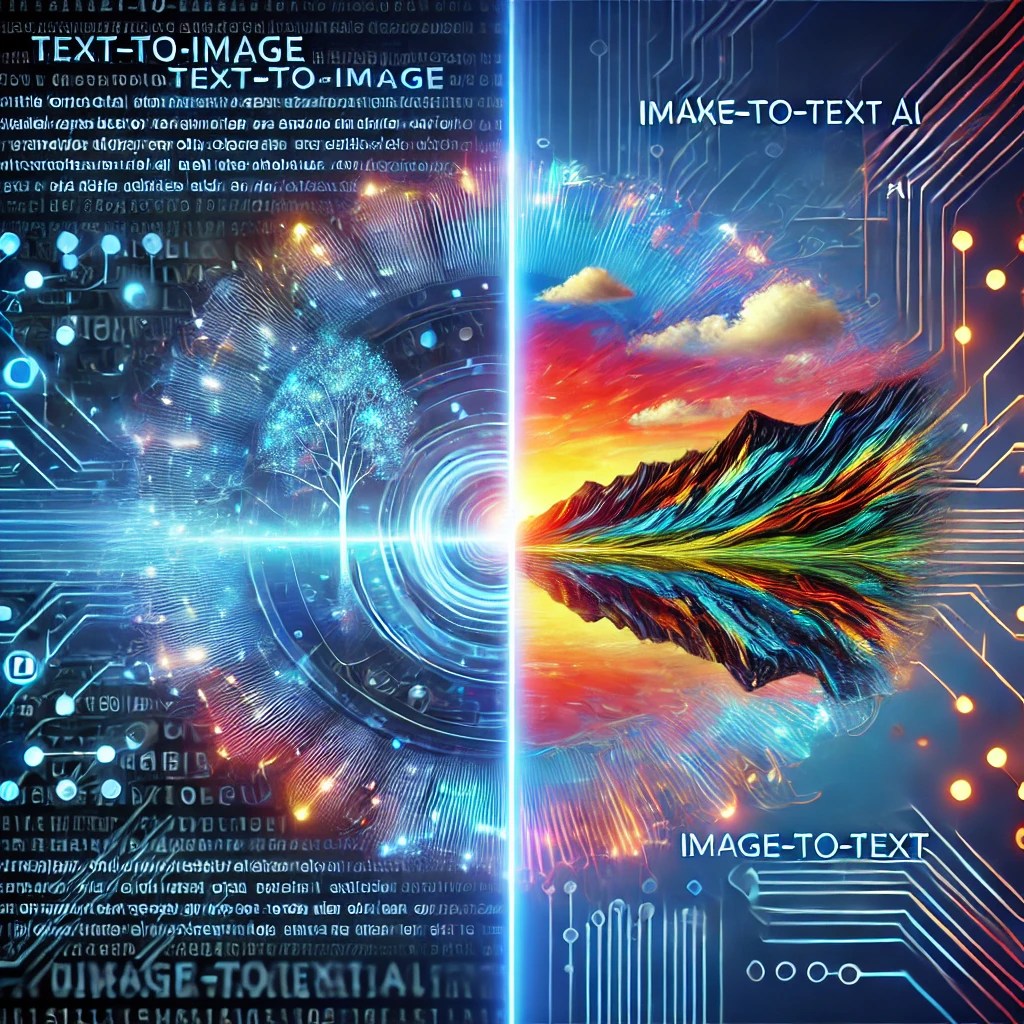
Imagine describing your dream house to an AI and watching it create a realistic image in seconds, or pointing your phone at a foreign menu and instantly seeing it translated to your language. These scenarios aren’t science fiction anymore—they’re reality, thanks to two groundbreaking AI technologies: Text-to-Image and Image-to-Text generation.
The Magic Behind the Scenes
Let’s break down these technologies in simple terms:
Text-to-Image: Your Words, AI’s Canvas
Think of Text-to-Image AI as an incredibly talented artist who can understand your descriptions and draw exactly what you’re thinking. When you type “a cozy cottage in a snowy forest at sunset,” the AI processes each word and creates a corresponding image. It’s like having a personal artist who never gets tired and can draw anything you describe.
The technology works by training AI models on millions of image-text pairs, teaching them to understand the relationship between words and visual elements. While the technical term for this is “generative AI,” you can think of it as a translation system that converts your words into visual art.
Image-to-Text: Your AI Detective
Image-to-Text AI works like a detective who can look at any image and describe what they see in words. This technology can:
- Read text from photos (like that foreign menu we mentioned)
- Describe images for people who can’t see them
- Convert scanned documents into editable text
Real-World Applications You Might Use Today
In Your Personal Life
Remember trying to describe that perfect birthday card design to a friend? With Text-to-Image AI, you can now generate it yourself. Services like Midjourney and DALL-E are making this possible for anyone, regardless of artistic ability.
On the flip side, Image-to-Text AI is probably already helping you without you realizing it. When you deposit a check by taking a photo, or when your phone automatically suggests a caption for your vacation photos, you’re using this technology.
In the Workplace
These tools are transforming how we work:
A marketing team can quickly generate custom images for social media posts without hiring a designer. A small business owner can scan and organize hundreds of receipts automatically. An architect can transform rough sketches into detailed concept art for clients.
Exploring Implementation Options: From No-Code to Code
Before we dive into the technical details, let’s talk about different ways you can work with these AI technologies. You have several options, depending on your technical background and needs:
For Non-Technical Users: No Coding Required
If you’re not comfortable with coding, don’t worry! You can still use these technologies through:
- User-friendly platforms like Canva or Midjourney for text-to-image generation
- Google Lens or Microsoft OneNote for image-to-text conversion
- ChatGPT or Claude for both image analysis and generation
- Various mobile apps that provide these features with simple interfaces
These tools handle all the technical complexity behind the scenes, letting you focus on using the technology rather than implementing it.
For Business Users: Ready-Made Solutions
If you’re looking to implement these features in your business:
- Consider using existing API services through platforms like Zapier or Make (formerly Integromat)
- Explore enterprise solutions that offer drag-and-drop interfaces
- Work with pre-built plugins for common platforms like WordPress or Shopify
For Technical Users: Custom Implementation
The code examples that follow will show you how to build custom solutions using Java and Spring Boot. This approach is ideal if you:
- Need specific customizations not available in existing tools
- Want to integrate these features directly into your applications
- Are interested in learning how these technologies work under the hood
- Need to maintain control over data processing and costs
What to Expect from the Code Examples
The following sections contain actual code implementations. While they might look complex at first glance, we’ve broken them down into digestible pieces with plain-English explanations. Even if you don’t plan to code yourself, understanding these examples can help you:
- Communicate better with technical teams
- Make informed decisions about implementation options
- Understand the underlying processes and capabilities
Remember: You don’t need to understand every line of code to grasp the concepts. Focus on the explanations and analogies if you’re not planning to implement the code yourself.
The full code example is available at here
Text-to-Image: Creating Images with API Calls
Let’s look at a practical example of how to generate images from text using OpenAI’s DALL-E 3 model. This code is written in Java using Spring Boot and LangChain4j, a popular framework for building web applications and AI applications. Don’t worry if some terms are unfamiliar—we’ll break it down step by step!
@PostMapping("/generateImage")
public String generateImage(@RequestParam("prompt") String prompt, Model model) {
    ImageModel imageModel = OpenAiImageModel.builder()
            .apiKey(openaiApiKey)
            .modelName(DALL_E_3)
            .build();

    Response<Image> response = imageModel.generate(prompt);
    String imageUrl = response.content().url().toString();
    log.info("Generated image URL: {}", imageUrl);
    model.addAttribute("imageUrl", imageUrl);
    return "result";
}
What’s Happening Here?
Imagine this code as a restaurant kitchen where:
The waiter (code) brings back your meal (the image URL)
You (the user) send in your order (the text prompt)
The kitchen (DALL-E 3) processes your order
The chef (API) prepares your dish (generates the image)
Key Components:
- @PostMapping(“/generateImage”): This is like creating a digital mailbox that accepts requests to generate images
- ImageModel: Think of this as setting up your connection to DALL-E 3, similar to dialing a phone number
- generate(prompt): This is where the magic happens – your text description is transformed into an image
- imageUrl: The location where your generated image can be found
This code is surprisingly simple for what it accomplishes – it takes your text description and returns a professionally generated image. The heavy lifting is done by OpenAI’s powerful DALL-E 3 model, while our code just needs to make the right API calls.
Image-to-Text: Teaching AI to See and Describe
Now let’s explore how we can make AI “look” at an image and tell us what it sees. This code uses GPT-4 Vision, one of the most advanced AI models for understanding images. Here’s our Java code that makes this possible:
@PostMapping("/analyzeImage")
public String analyzeImage(@RequestParam("image") MultipartFile image, Model model) {
    if (image.isEmpty()) {
        model.addAttribute("error", "Please upload an image.");
        return "index";
    }

    try {
        // Convert the uploaded file to a base64-encoded data URL
        byte[] imageBytes = image.getBytes();
        String base64Image = Base64.getEncoder().encodeToString(imageBytes);
        String dataUrl = "data:image/png;base64," + base64Image;

        // Create the OpenAI model
        ChatLanguageModel chatModel = OpenAiChatModel.builder()
                .apiKey(openaiApiKey)
                .modelName("gpt-4-turbo-2024-04-09")
                .maxTokens(50)
                .build();

        // Create the user message with the image
        UserMessage userMessage = UserMessage.from(
                TextContent.from("what do you see?"),
                ImageContent.from(dataUrl)
        );

        // Generate the response
        Response<AiMessage> response = chatModel.generate(userMessage);
        String extractedText = response.content().text();

        // Add the extracted text to the model
        model.addAttribute("imageAnalysis", extractedText);

    } catch (IOException e) {
        log.error("Error processing the uploaded image", e);
        model.addAttribute("error", "An error occurred while processing the image.");
    }

    return "imageanalysis";
}
How It Works: A Simple Analogy
Think of this code like a person looking at a photo and describing what they see:
- Someone hands you a photo (user uploads an image)
- You prepare the photo for viewing (convert to base64)
- You show it to an expert (GPT-4 Vision)
- The expert describes what they see (AI generates description)
- You write down their description (save and display the result)
Breaking Down the Key Parts:
- Image Upload Handling:
- Checks if an image was actually uploaded
- Converts the image into a format the AI can understand (base64)
- AI Model Setup:
- Connects to GPT-4 Vision (like dialing an expert on speed dial)
- Sets up parameters like maximum response length
- Image Analysis:
- Asks the AI “what do you see?”
- Receives and processes the AI’s description
- Returns the results to display
Looking Ahead
As these technologies continue to evolve, we’re seeing new possibilities emerge every day. From helping artists brainstorm new ideas to making the internet more accessible for people with visual impairments, AI is breaking down the barriers between visual and written communication.
The future might bring us real-time translation glasses that convert any text we see into our preferred language, or AI assistants that can create perfect visual representations of our ideas instantly. The possibilities are limitless, and we’re just getting started.
Want to Learn More?
If you’re interested in the technical side, many platforms offer APIs and simple code implementations to get started. Popular choices include OpenAI’s DALL-E API for text-to-image generation and Google Cloud Vision API for image-to-text conversion. These services handle the complex AI operations behind the scenes, letting you focus on building useful applications.
Remember, you don’t need to be an AI expert to use these tools—they’re becoming as common and accessible as smartphone cameras. The key is understanding their potential and finding ways they can make your life easier, whether at work or in your personal projects.
 TrendSentry.ai
Leave a comment